- 1.Download & Installation
- 2.Multiple computers
- 3.Get Started
- 4.Deployment mode
- 5.Sales
- 6.Purchase
- 7.Inventory
- 8.Finance
- 9.Settings
- 10.Industry-specific features
- 12.FAQ
9.3.2 Customizing the printer paper size
If your print paper size is not in the printer list, you need to customize the print paper size .
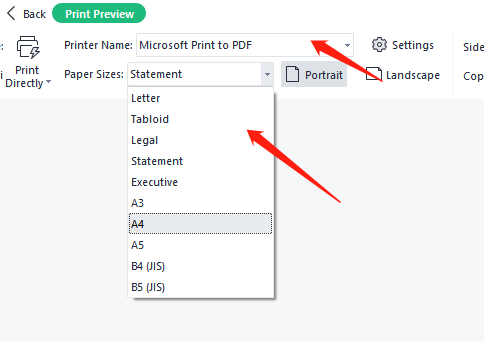
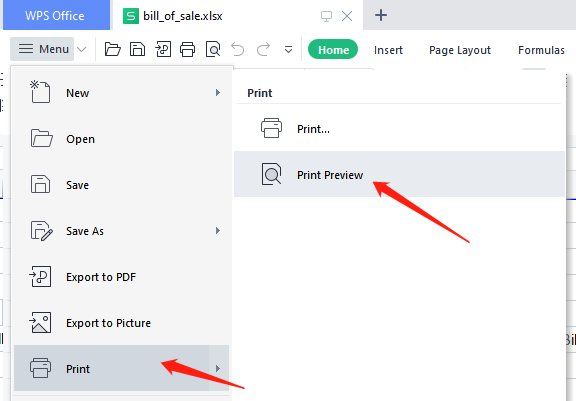
In Excel, Print Preview, first select the printer, and then can view all the paper size.
Step1:Measure your print paper size with a ruler
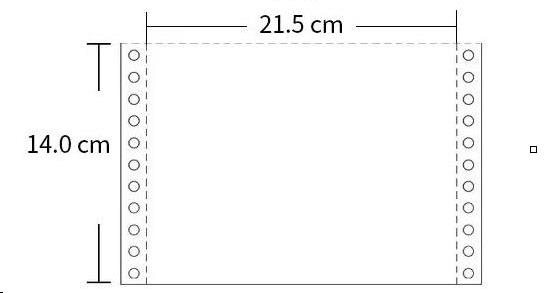
Measurements need to be taken within the measuring line.
Here are some standard paper sizes for dot matrix printers for reference:
1 Part:
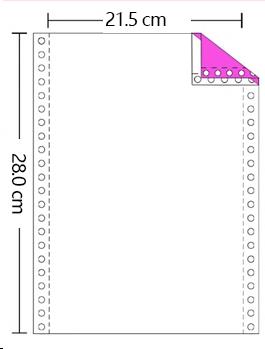
2 Part:
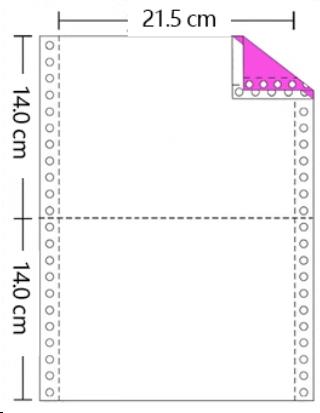
3 Part:
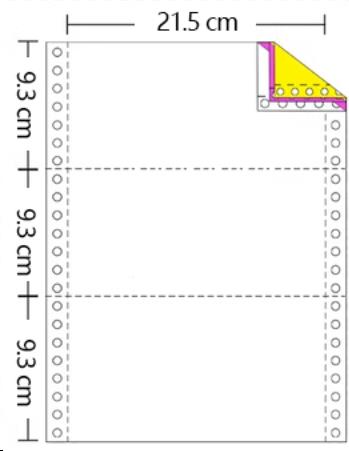
- .
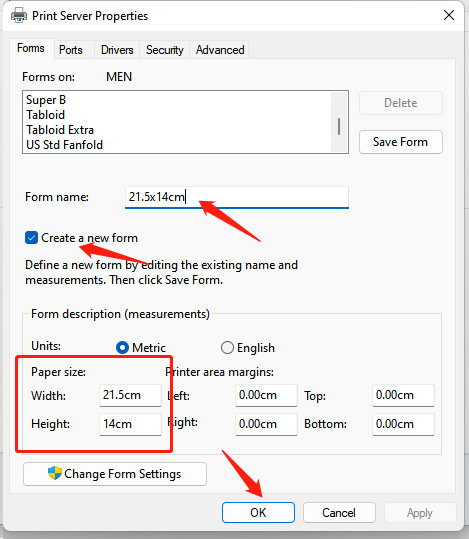
Step 2: Customize Paper Size
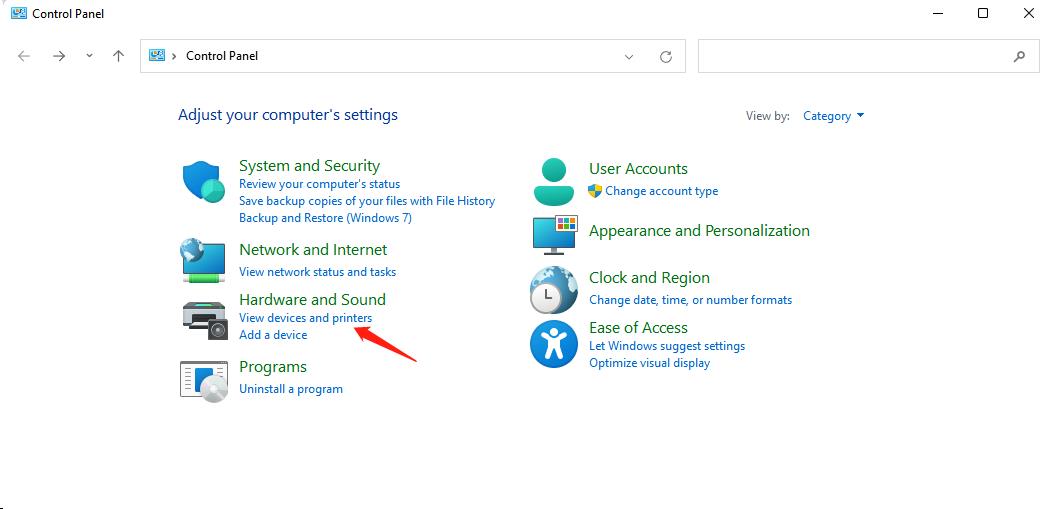
Control Panel ->View devices and printers
select your Printer first,then click Print server properties
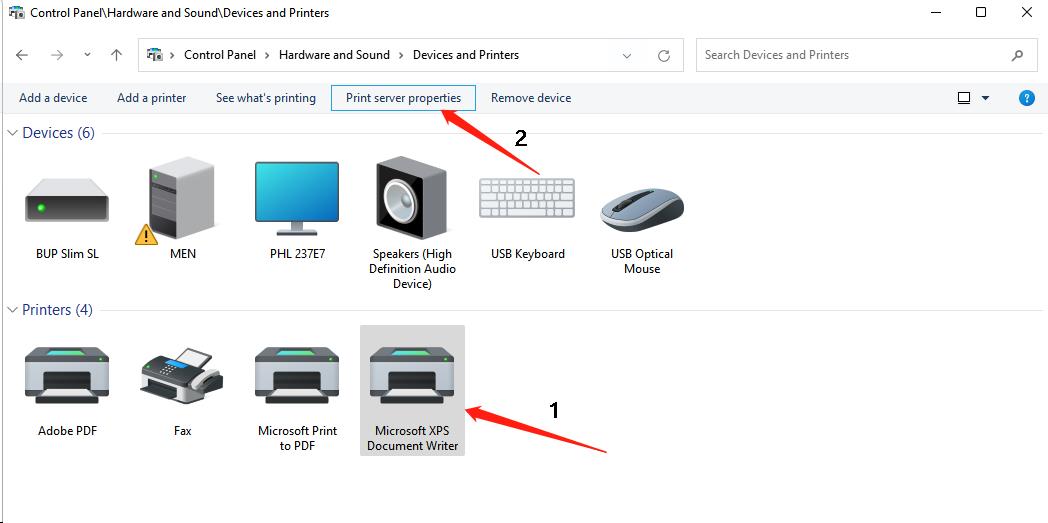
Below is an example of the size of a two-part printer paper (21.5x14.0cm)
Step 3: Set the paper size in the print template
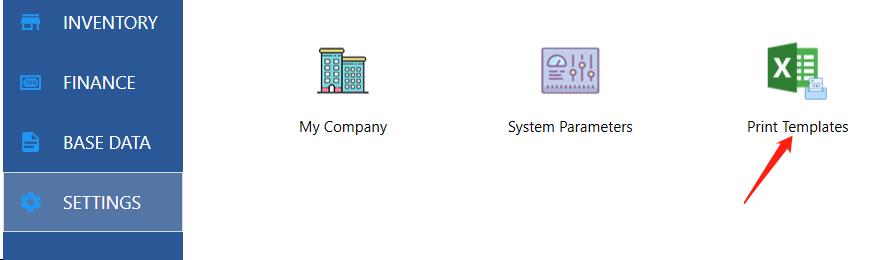
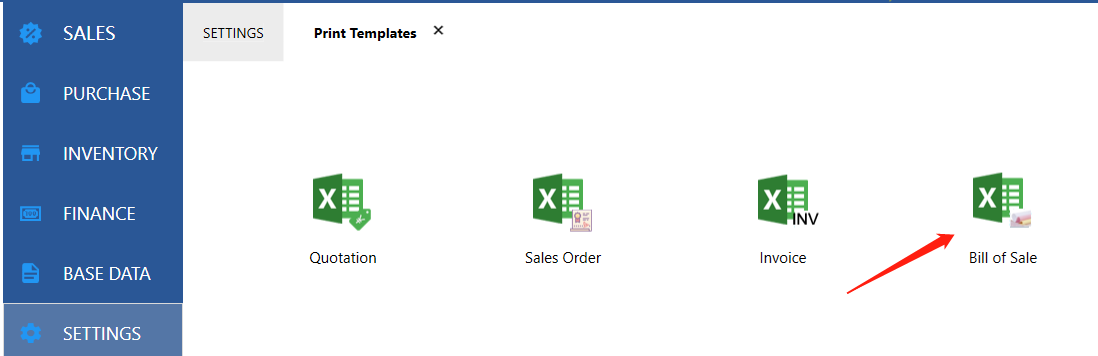
Let's take Bill of Sale as an example.
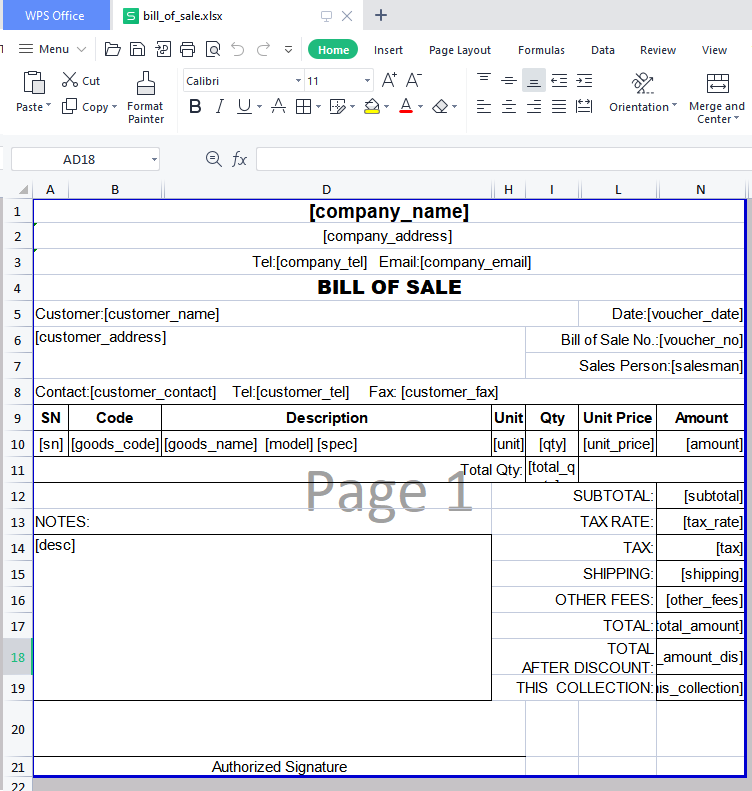
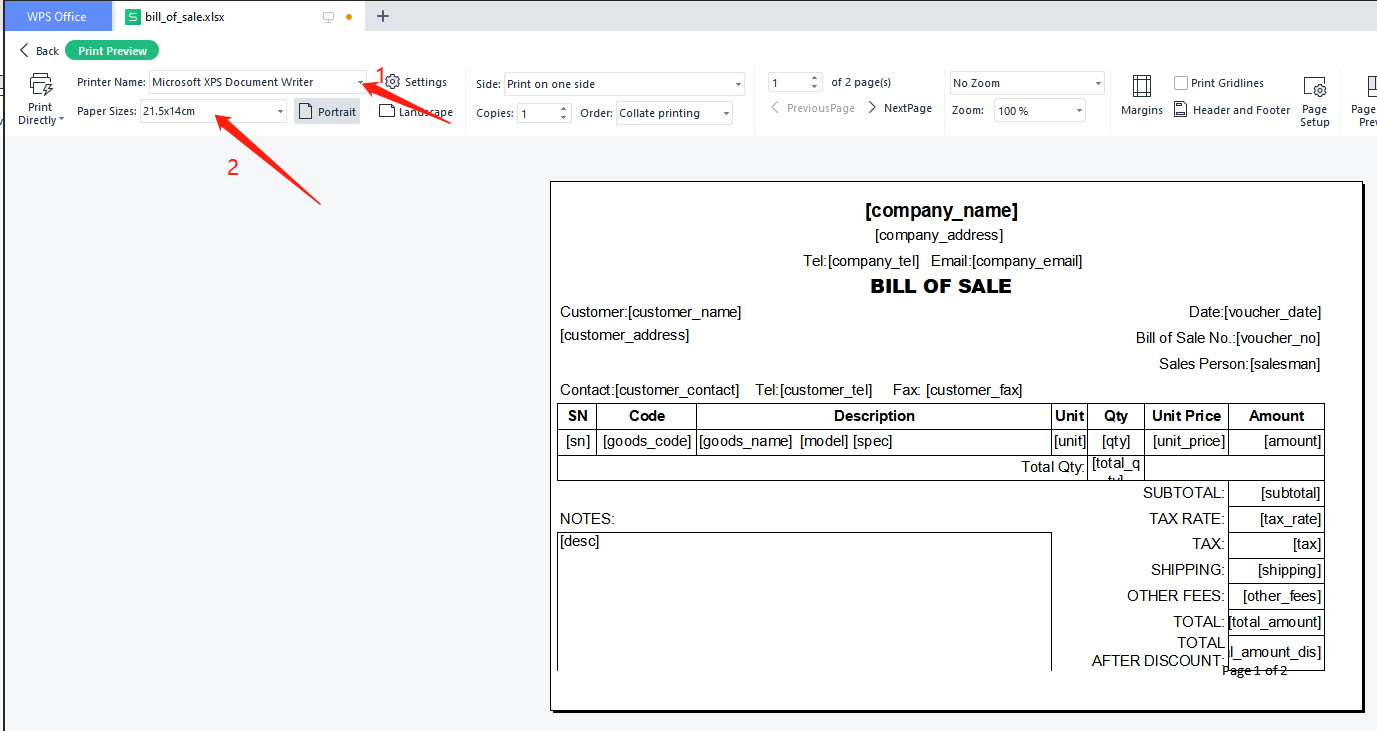
Select the printer first, then the customized printer size 21.5x14cm
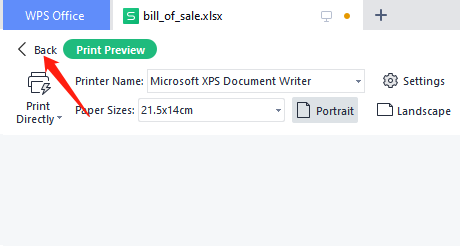
Click on the button Back
Finally save Excel.